
Sign shop quoting software that drafts quotes from a photo, drawing or email
SignEstimator is sign shop quoting software that reads a storefront photo, an architect drawing, a PDF or a forwarded email and turns it into a draft quote. It prices every line with your own materials, machine rates, labor and margin. You review each line and send a branded quote.
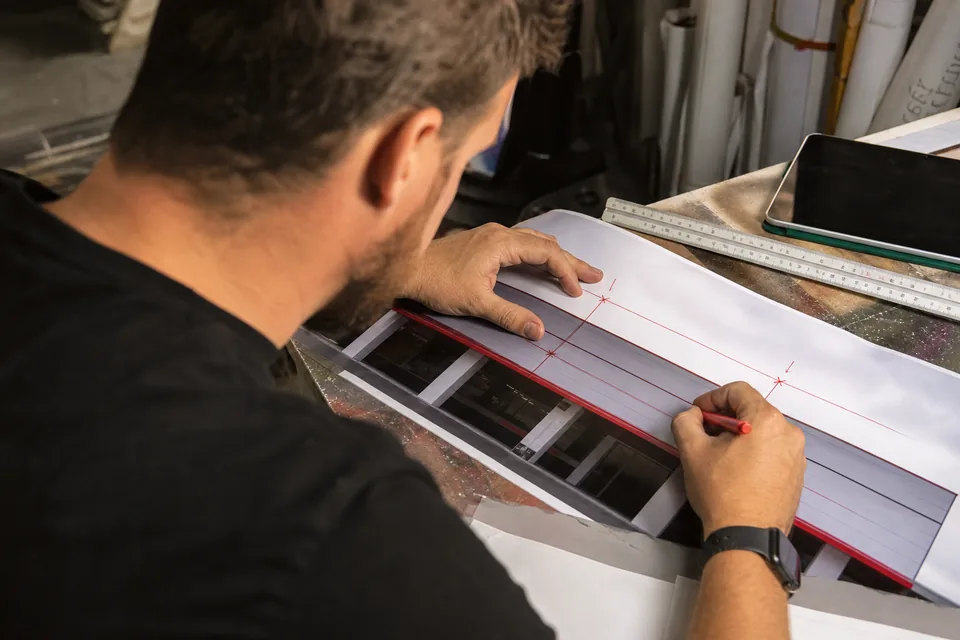
Estimate this job
- Materials
- Machine time
- Install
- Pricing
Stop retyping the job before you can price it
Most quote requests arrive as a phone photo, a page from a drawing set or a long email. Someone has to read it, guess the sizes and type it into a spreadsheet before any pricing starts. That is the slow part, and it is where numbers get missed.
SignEstimator does that first read for you. You drop in what the customer sent, and in a few minutes you get a draft spec with the sign type, sizes and parts already filled in. Then the estimate engine prices it the way your shop prices work.
- Upload a photo from your phone on site, or a screenshot from a street view
- Drop an architect PDF or a page from a drawing set
- Paste the text of an email, or forward it to your shop inbox on Shop and up
- Get a draft quote with grouped lines for materials, machine time, labor, install and equipment
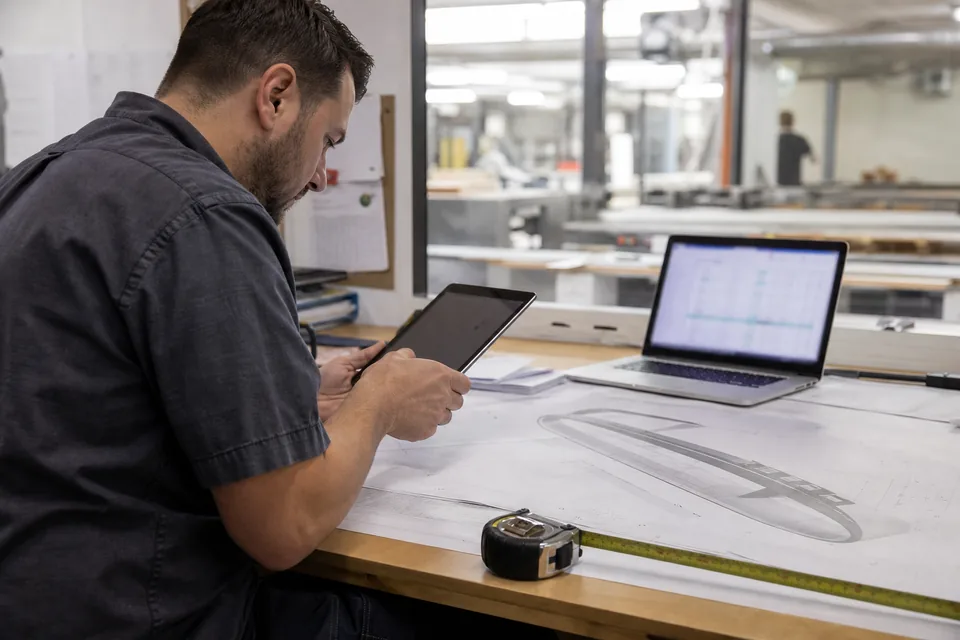
What the AI reads from a photo or drawing
The AI looks for the facts a sign estimator needs before pricing anything. It does not set prices. It fills in the spec, and every value stays editable.
| What it reads | Where it shows up in the draft |
|---|---|
| Sign type (channel letters, cabinet, monument, pylon, banner, wrap, wayfinding) | The sign-type template it starts from |
| Overall width and height, or letter height | Area, perimeter, sheet nesting and waste |
| Letter count and stroke length | LED modules per foot of stroke, returns and trim cap |
| Illumination (front lit, back lit, open face, non lit) | LED and power supply lines, 60 W or 100 W supplies |
| Mounting (raceway, backer, flush, pole, footing) | Raceway or backer panel lines, mounting hardware |
| Install height and access | Crew hours and lift or crane class |
| Notes in the email or drawing (colors, permits, removal) | Notes field and optional lines you can switch on |
When a drawing shows dimensions, the AI uses them. When a photo has no scale, it marks the size as an estimate and asks you to confirm it. A door, a standard window or a brick course can give a rough scale, but you always get the final say.
Your materials and rates decide the price
The AI never invents a price. Once the spec is filled in, the same estimate engine you use for manual quotes takes over. It pulls from your material library and your shop settings.
- Unit cost, sheet size and waste factor for each material, such as ACM, acrylic, aluminum coil and vinyl
- Sheet nesting on 4x8 and 5x10 sheets, so faces and backs use real sheet counts
- LED modules per foot of stroke and power supplies sized to the load
- Router, laser, printer and bender hours at your machine rates
- Labor at your shop rate, install crew hours and lift or crane class by height
- Your overhead rate and target margin, with a real margin preview before you send
If a material the AI names is not in your library, the line is flagged so you can pick the closest match. You can import your price list by CSV, so the draft uses the same numbers your team already trusts. See how this works for lit letters on the pricing a channel letter sign page.
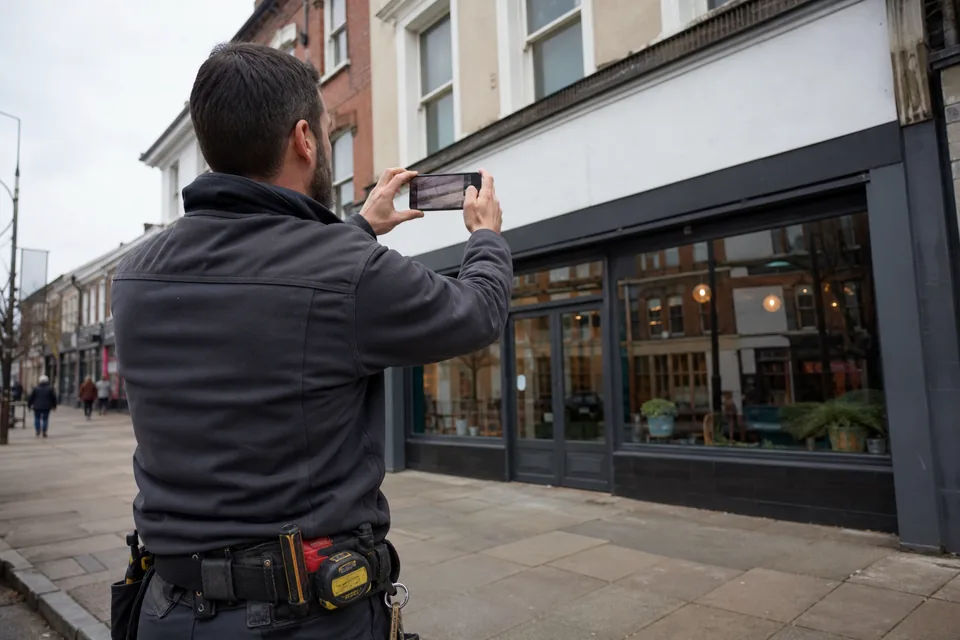
You review every line before it goes out
A draft is a starting point, not a sent quote. Each line shows quantity, unit, waste percent and rate, so you can check the math at a glance. Change a size and the whole estimate updates, from sheet count to LED count to sale price.
- Lines the AI read with high confidence look like normal lines
- Lines it was unsure about are marked for review, with the reason shown
- Sizes guessed from a photo without scale are always marked
- Nothing is sent to a customer until you press send
Once you are happy, the quote goes out as a branded PDF with your logo, colors and terms, plus a quote link with online approval and e-signature by name.
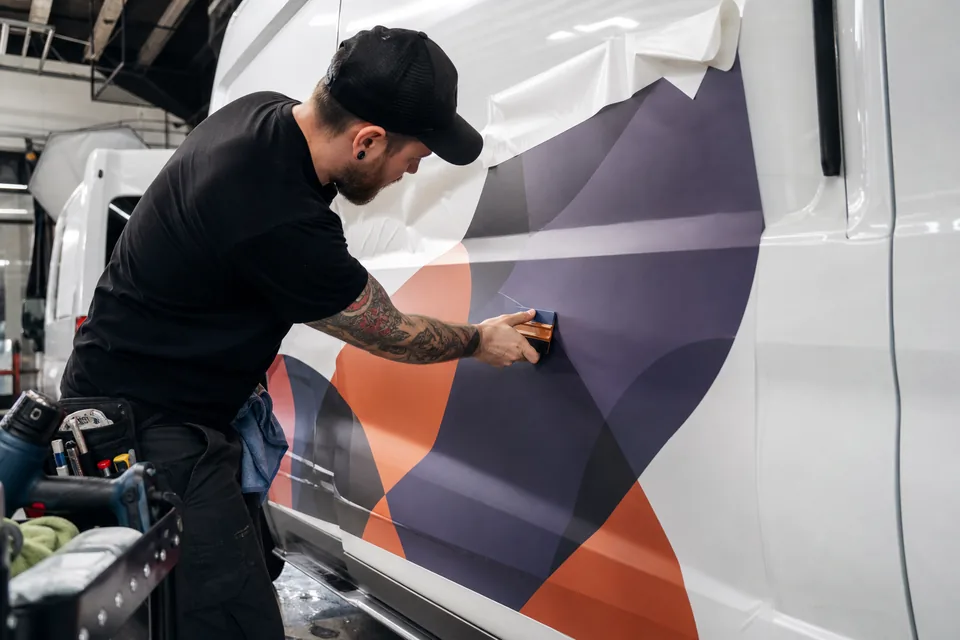
How to turn a customer photo into a sign quote
- 1 Open a new estimate and choose Upload, or forward the customer email to your shop inbox address on Shop and up.
- 2 Add the photo, drawing, PDF or email text. Add install height and travel distance if you know them.
- 3 Wait a few minutes while SignEstimator reads the job and builds the draft spec.
- 4 Check the detected sign type, sizes, letter count, illumination and mounting. Fix anything that is off.
- 5 Review the priced lines. Adjust materials, machine time, labor and install where your shop works differently.
- 6 Check the sale price and margin preview, then send the branded PDF and quote link.
Forward an email and find a draft waiting
On Shop, Team and Multi-location, every shop gets its own inbox address for quotes. Forward a customer email there, with any photos or PDFs attached, and a draft quote appears in your queue. The original email stays attached to the draft, so whoever picks it up sees the full request.
This is built for busy weeks. Requests that come in at night or during a job site visit do not sit unread. Each forwarded email counts as one AI draft from your monthly quota. Read more about real shop workflows on the sign estimating use cases page.
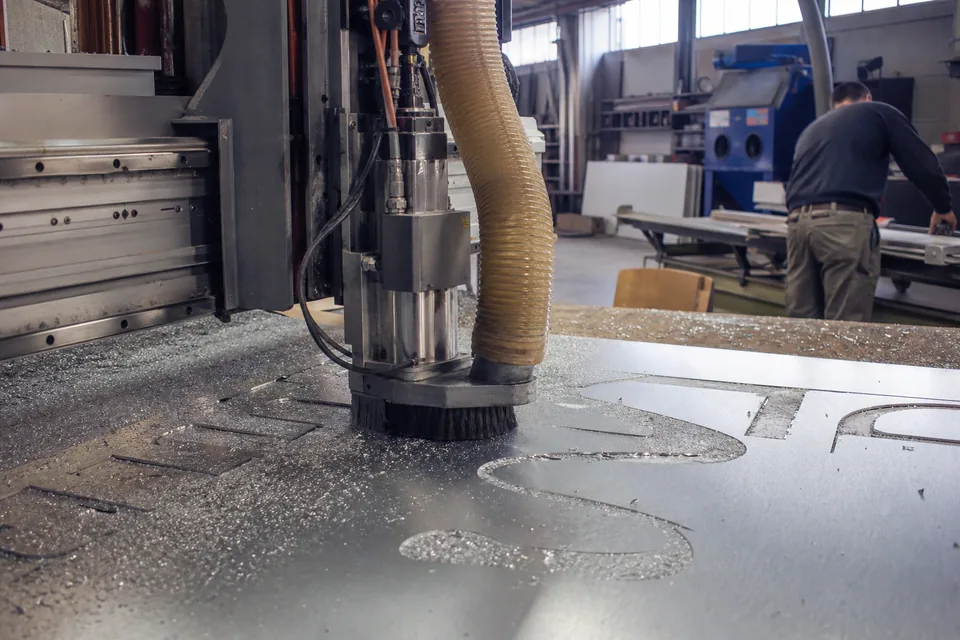
AI drafts per plan
Every plan includes a monthly AI draft allowance and a daily cap. Manual estimates built with the estimate engine are unlimited on every plan.
| Plan | AI drafts per month | Daily cap | Email-in quoting |
|---|---|---|---|
| Solo | 60 | 10 | No |
| Shop | 240 | 40 | Yes |
| Team | 600 | 100 | Yes |
| Multi-location | 1,400 shared across locations | 240 | Yes |
An AI draft is counted when it is created. Deleting a draft does not give the draft back to your quota, because the read has already happened. Your quota resets with each billing period. Full plan details are on the sign estimating software pricing page.
What happens at 80 and 100 percent of your quota
Your panel shows how many AI drafts you have used this period. At 80 percent you see a notice with your remaining drafts and the option to move up a plan. At 100 percent new AI drafts stop until the next period or until you upgrade.
- Manual estimates keep working with no limit
- Drafts you already made stay fully editable
- Upgrading charges only the difference right away, and the higher allowance applies at once
- The daily cap resets every day, even when the monthly quota has room
When the photo or drawing is not clear
Some inputs do not hold enough detail. A dark night photo, a far away shot or a blurry scan can hide letter count or mounting. In that case the draft still comes back, but with more lines marked for review and a short note on what could not be read.
- Take a second photo closer, or add a known size in the notes
- Type the missing facts in the job description, such as "14 letters, 24 in tall, raceway mount"
- For drawings, upload the page with the elevation and dimensions, not only the cover sheet
A low-detail read still counts as a draft, so a clear input saves quota. For multi-page sets, upload the sign pages rather than the whole set.
Frequently asked questions
[email protected]No. The AI only reads the photo, drawing, PDF or email into a draft spec. Pricing always comes from your material library, machine rates, labor rates, overhead and target margin. You review every line before anything is sent.
Photos from a phone or camera, screenshots, PDF drawings and plain email text. Upload size is up to 25 MB on Solo and Shop and up to 50 MB on Team and Multi-location.
No. A draft counts when it is created, and deleting it does not return it. Your monthly allowance resets at the start of each billing period.
Email-in quoting is part of Shop, Team and Multi-location. Each shop gets its own inbox address, and each forwarded email becomes one draft in your queue.
At 80 percent you see a notice in your panel. At 100 percent new AI drafts stop until the next period or an upgrade. Manual estimates keep working without limit.
Yes. You can run one estimate on the homepage without an account and see a real priced draft. There is no free plan and no trial.
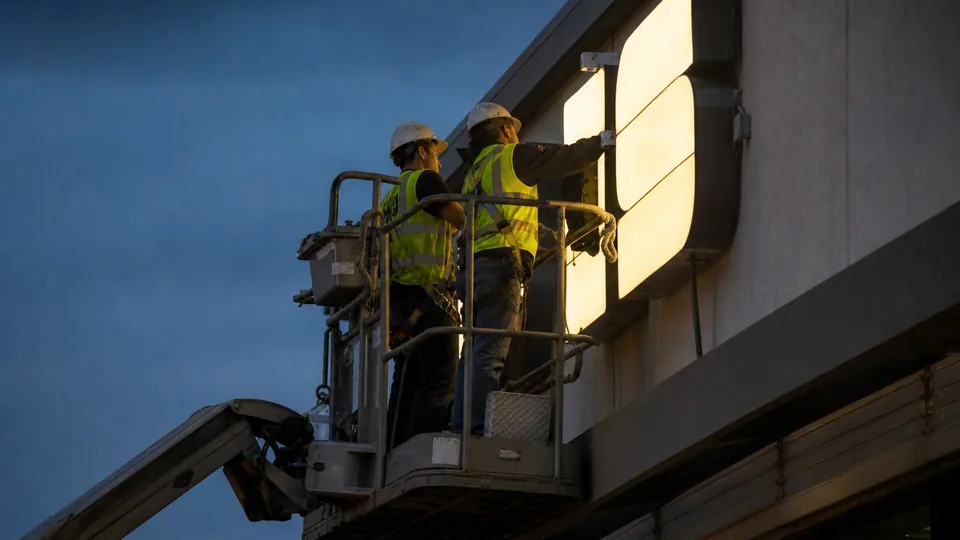
Quote your next sign job in minutes
Try one estimate on the homepage without an account. Describe the job or upload a photo, and see a real priced draft with sale price and margin. When you are ready, pick a plan and quote every job on your own rates. Plans start at $24 per month billed yearly. There is no free plan. Learn more about the full product on the sign estimating software page.