
ROI for sign shop owners who want margin, not more busywork
ROI for sign shop owners comes from four places: fewer hours per quote, installs that are priced right, more jobs won because quotes go out the same day, and a margin you know before you send. SignEstimator touches all four, and you can measure each one in your own shop within 30 days.
You do not buy estimating software for the screen. You buy it because quotes eat your evenings, because an install with a missed lift day wipes out the profit on a job, and because you only learn the real margin after the crew comes back. This page shows how to put a number on that, with a worked example and a simple way to check it against your own jobs.
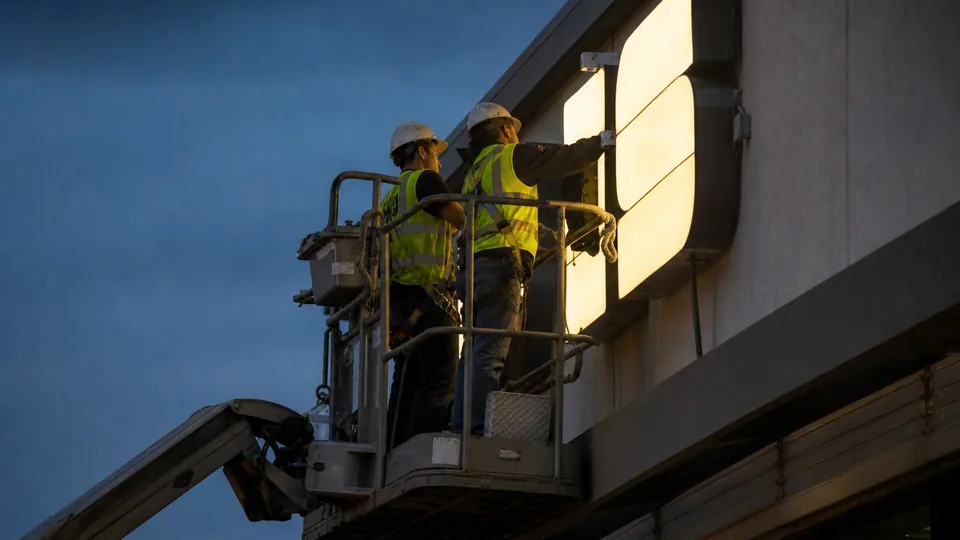
Where a sign shop loses money before the job starts
Most margin problems in a sign shop start at the quote, not in production. Here are the five numbers that tell you how your quoting is doing.
| Number | What it tells you | What usually goes wrong |
|---|---|---|
| Hours per quote | How much estimator or owner time each quote costs | Channel letters and monuments take one to two hours by spreadsheet |
| Quotes per week | How much quoting work your shop carries | Requests wait days for an answer and go cold |
| Underpriced installs | How often install, lift or travel is priced too low | Lift class, crane mobilization, permits or a second trip get missed |
| Win rate | How many quotes turn into jobs | Slow replies and unclear quotes lose to the shop that answered first |
| Margin per job | What is left after materials, labor, machine time and install | Markup gets confused with margin and the job earns less than planned |
Markup is not margin
This one mistake costs many shops more than any tool. In this example, a job costs $2,600 in materials, machine time, labor and install. If you add a 35 percent markup, you charge $3,510. Your profit is $910, which is a margin of about 26 percent, not 35. If you want a real 35 percent margin, you divide cost by 0.65 and charge $4,000. That leaves $1,400. Example numbers, use your own rates.
SignEstimator works from your target margin, not a markup guess, and shows the sale price and the real margin on every quote before it leaves the shop. Read more in markup vs margin for sign shops.
How each number moves
- Hours per quote go down because the estimate engine works out area, waste, sheet count, LED modules, power supplies, router, laser, printer and bender hours, and labor from your own rates.
- AI quote drafts read a storefront photo, drawing, PDF or email into a draft spec, so you start from a filled form instead of a blank one. You still check every line.
- Underpriced installs drop because every estimate includes crew size, hours, lift or crane class by install height, travel and permits. See sign installation estimating.
- Win rate can go up because quotes go out the same day, look the same every time, and the customer approves and signs online.
- Margin per job becomes visible before you send, and on Team, job costing shows actual hours and materials against the estimate.
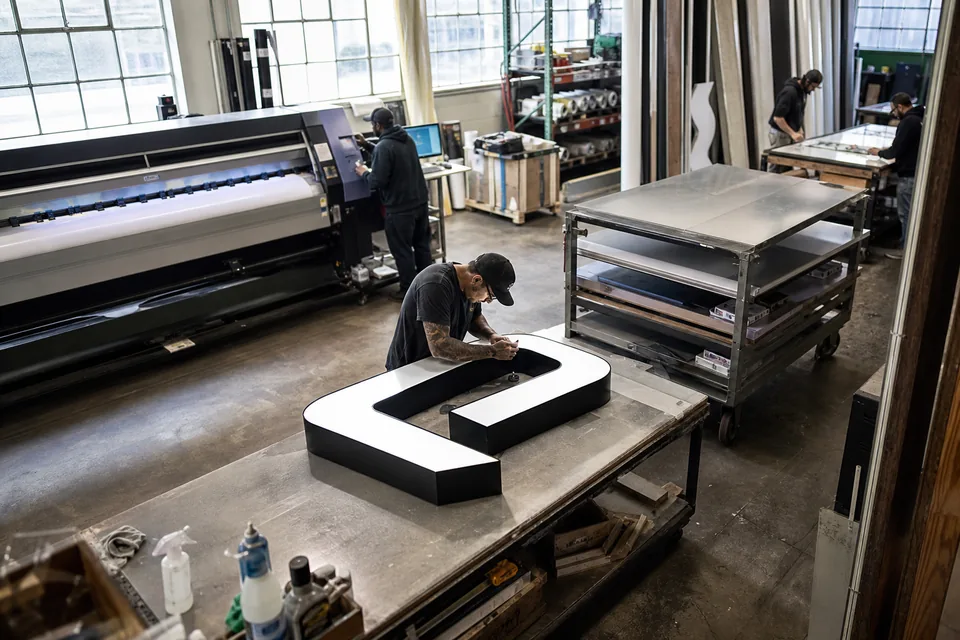
A worked ROI example for a five-person shop
This is an example with stated assumptions. It is not a promise and not an average. Swap in your own numbers to get your answer.
Assumptions in this example:
- The shop sends 15 quotes per week. We count 4 weeks per month, so 60 quotes per month.
- Each quote takes 90 minutes today and 30 minutes with SignEstimator. That saves 1 hour per quote.
- An hour of estimator or owner time costs the shop $40, with wages and taxes included.
- Three install jobs per month are underpriced today by $300 each, from a missed lift day, extra travel or a forgotten permit.
- Faster, clearer quotes win one extra job per month. That job sells for $4,000 at a 30 percent margin.
- The shop is on the Shop plan, billed yearly, at $74 per month.
| Source of value | Math in this example | Value per month |
|---|---|---|
| Time saved on quotes | 60 quotes x 1 hour x $40 | $2,400 |
| Installs priced right | 3 installs x $300 | $900 |
| One extra job won | $4,000 x 30 percent margin | $1,200 |
| Total value | $2,400 + $900 + $1,200 | $4,500 |
| Plan cost | Shop, billed yearly | $74 |
| Net value | $4,500 minus $74 | $4,426 |
In this example the shop gets about 60 dollars of value for every dollar it spends on the plan. Over a year, that is $54,000 of value for an $888 plan. Even if you count only the installs priced right, $900 per month covers the plan more than twelve times. Example numbers, use your own rates.
What if your numbers are smaller
A one-person shop that sends 5 quotes per week and saves 45 minutes on each still saves 15 hours per month (20 quotes x 0.75 hours). At $40 an hour that is $600 of time, against $24 per month for Solo billed yearly. Time saved is the smallest part of the gain for most owners. The bigger part is the install you no longer underprice and the evening you get back.
How to measure your ROI in 30 days
Do not take our example on trust. Measure your own shop. Here is a simple plan.
- Week 0. Write down today's numbers. Count quotes sent last month, guess the average time per quote, and note your win rate and two or three jobs where the install ran over.
- Week 1. Set up your rates, overhead and target margin. Import your material list by CSV or use the starter library. Quote every new request in SignEstimator.
- Week 2. Time five quotes from start to send. Compare with your Week 0 number.
- Week 3. Check the quote history. How many quotes went out the same day? How many were approved online?
- Week 4. On Team, open job costing for the jobs that finished and compare actual hours and materials with the estimate. Fix any rate that keeps coming in low.
Job costing closes the loop
On the Team plan, job costing puts the actual hours and materials next to the estimate for every job. When the router hours on a set of channel letters keep running over, you see it, update the rate once, and every future quote is right. That is how an estimate stops being a guess and becomes a number you trust. See sign shop production software for the work orders and machine time per station that feed it.
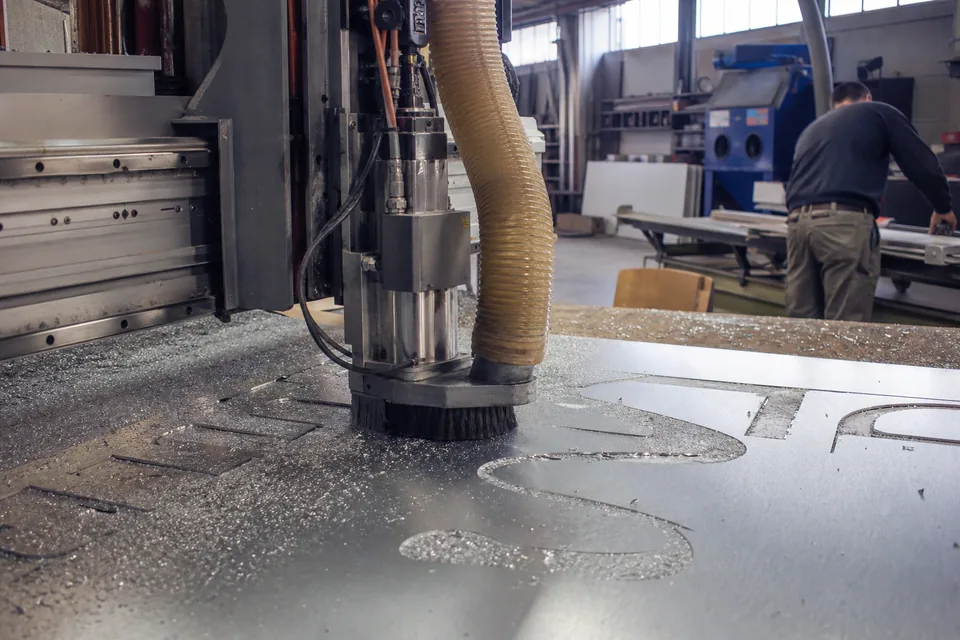
Which plan fits your shop
| Your shop | Plan | Billed yearly | Billed monthly | Why |
|---|---|---|---|---|
| Owner-operator who quotes at night | Solo | $24 per month | $49 per month | 1 user, every sign template, install pricing, 60 AI drafts per month |
| Two to five people quoting and selling | Shop | $74 per month | $149 per month | Up to 5 user seats, CRM with follow-ups and win rate by rep, QuickBooks Online and Xero export |
| Fabrication and install crews | Team | $199 per month | $399 per month | Jobs board, work orders, install calendar, purchase orders, job costing |
| More than 20 people | Multi-location | $449 per month | $899 per month | Unlimited user seats, 1,400 AI drafts per month, everything in Team |
There is no free plan. You can run one demo estimate on the homepage without an account. Full details are on sign estimating software pricing.
What owners ask before they buy
Owners usually want to know three things: will the numbers be right, how long setup takes, and who sees the costs. Pricing always uses your own materials and rates, and you review every line. Setup takes an afternoon with the starter library. Roles keep your cost data away from people who do not need it, as explained on sign shop software security.
Frequently asked questions
[email protected]It depends on your shop. In our worked example, one install priced right covers more than a year of the Solo plan. Use the 30-day plan on this page to measure it with your own numbers.
No. It is an example with stated assumptions. Your results depend on how many quotes you send, how long they take today and how your installs are priced. Replace each assumption with your own number.
No. You can track time per quote and quotes sent on every plan, and the CRM on Shop adds quote history and win rate by rep. Job costing with actual hours and materials against the estimate is part of Team.
No. The AI only reads a photo, drawing, PDF or email into a draft spec. Pricing uses your own materials, rates, overhead and target margin, and you review every line before sending.
Most of it fits in one afternoon. Use the starter material library or import your price list by CSV, set your labor rate, machine rates, overhead and margin, and quote a real job the same day.
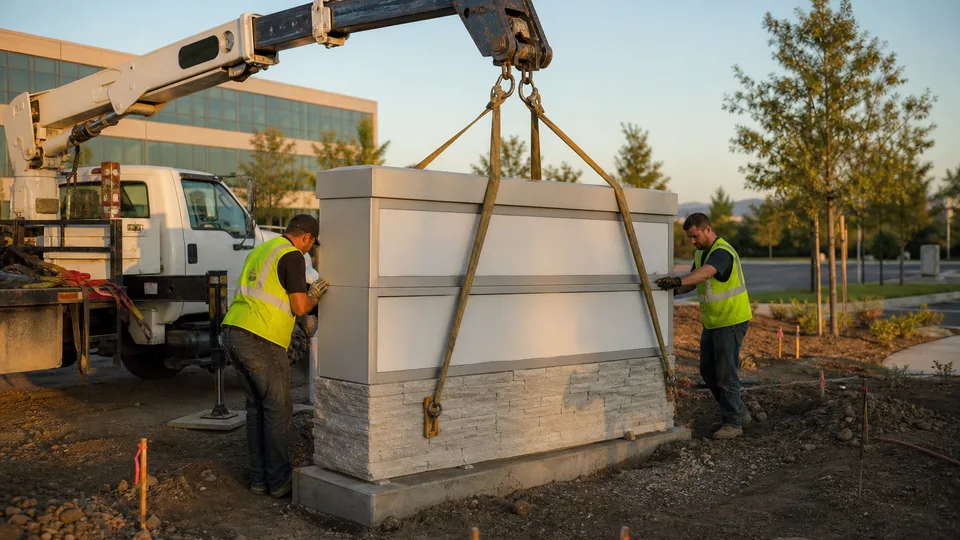
Put your own numbers in
Describe one job you quoted last week. See the line items, the sale price and the real margin in about a minute. Then compare it with what you charged.